We’ve pushed out good number of updates that we think you’ll find ✨ useful on Markup Hero ✨.
Reorder Pages - Drag pages on the right hand nav to reorder pages within you markup.
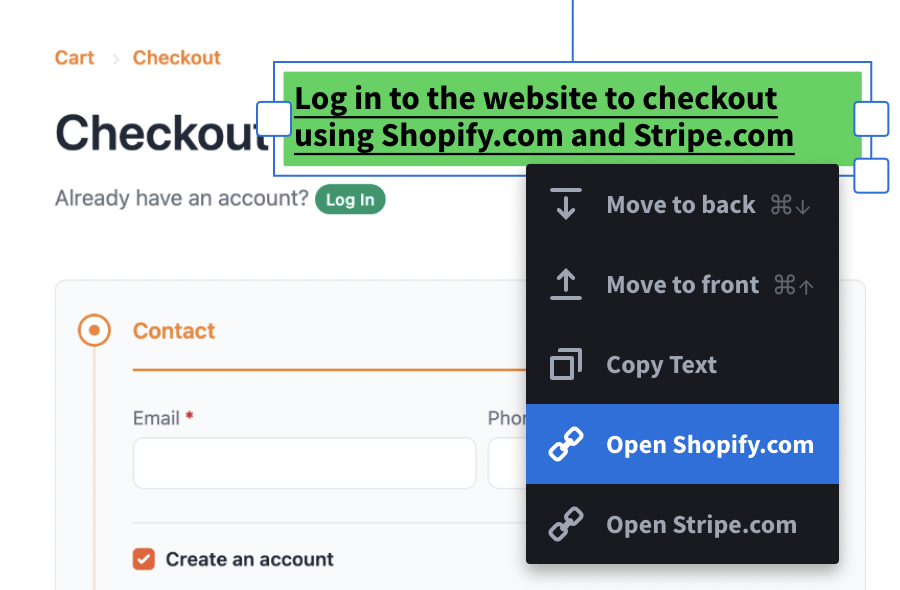
Add Links - Add URLs to any text box. Then long press or right click on the text box to open the URL(s) in a new tab. Any viewer of the markup can click on the text box and either open the URL(s) in a new tab or even copy all the text to your clipboard. add-link-textbox.png265.81 KB
Copy Text - Anyone can now simply copy text from your text box annotations. As a markup owner long press or right click on the text box to open the context menu. As a markup viewer simply click on the text box to open the context menu and select Copy Text.
Cut, Copy & Paste Annotation Objects - Now any annotation object can be cut, copied and pasted easily across markups. Just select the annotation object and use cmd X, cmd C, and cmd V.
Drag & Drop to Insert Image - Drag and drop any image (JPG, PNG, SVG etc) from your finder into your markup page to insert images.
Let us know if you have any questions, and thanks for using Markup Hero. Happy annotating!
We've fixed a couple pesky bugs with our Google Drive integration and now provide better error handling when issues do arrive. Please see our detailed help doc for more information.
We have updated our Mac desktop app to fix a sizing / crop bug. If you are using our Mac desktop app make sure to download the latest version today. We natively support both Mac with Intel and Mac with Apple M1.
We've updated our desktop app! The release includes an option for offline screenshots that copy straight to your clipboard when you don't need to save or add annotations. Download the latest version here.
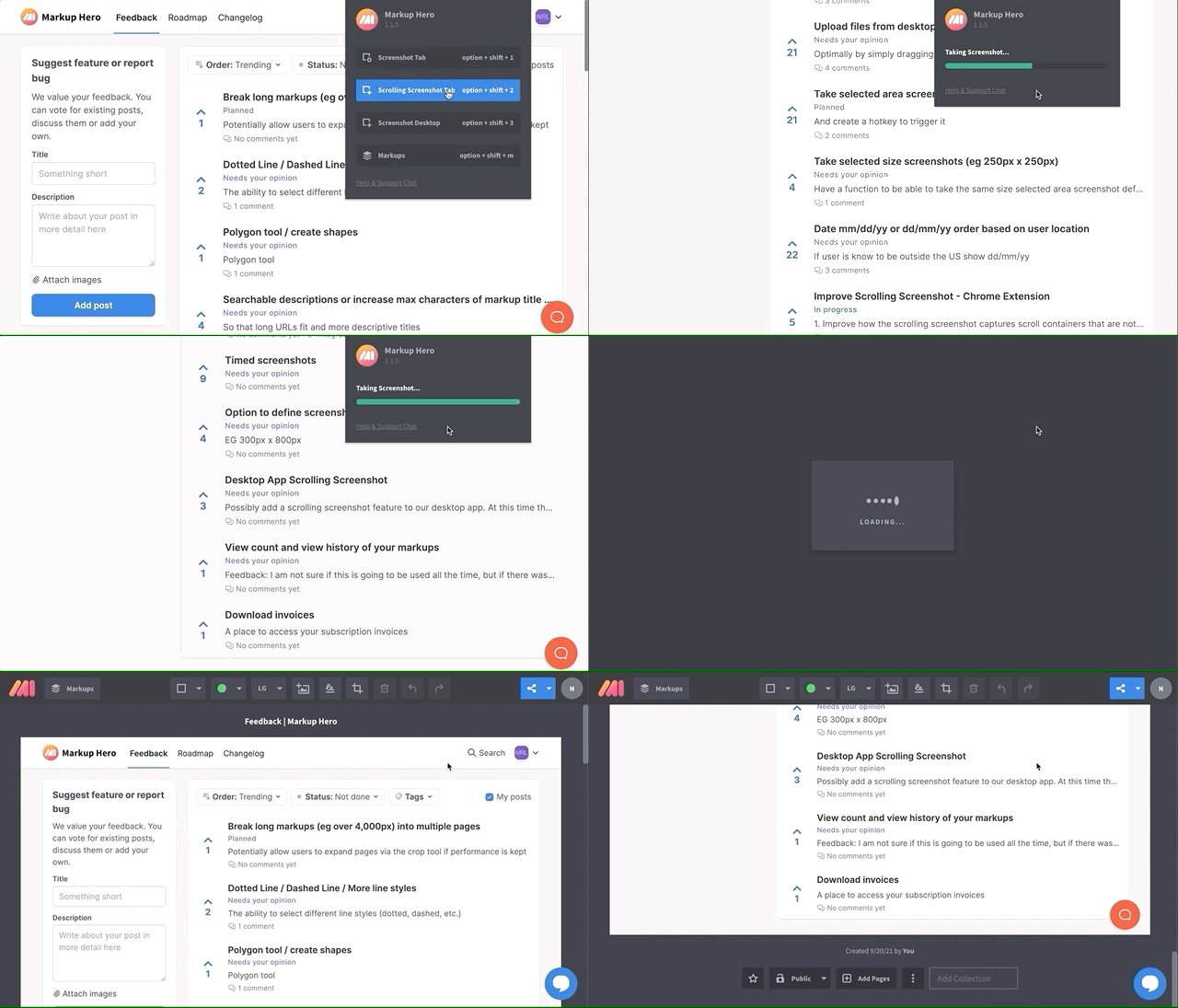
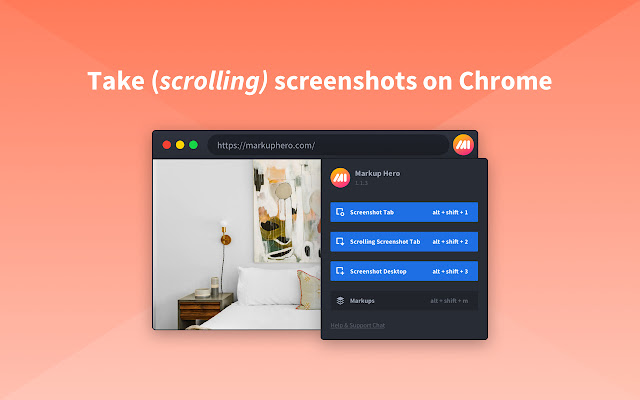
We've significantly improved our 📸 Scrolling Screenshot 📸 feature in our free Chrome Extension to better capture all types of websites. We've also improved the speed and performance of the Chrome Extension, including auto naming screenshots with the web page's title. Make sure to try out the extension next time you want to screenshot a website or even your desktop.
Add signatures 🖊️ plus improvements to PDF handling
We just released some useful updates to Markup Hero we wanted to let you know about:
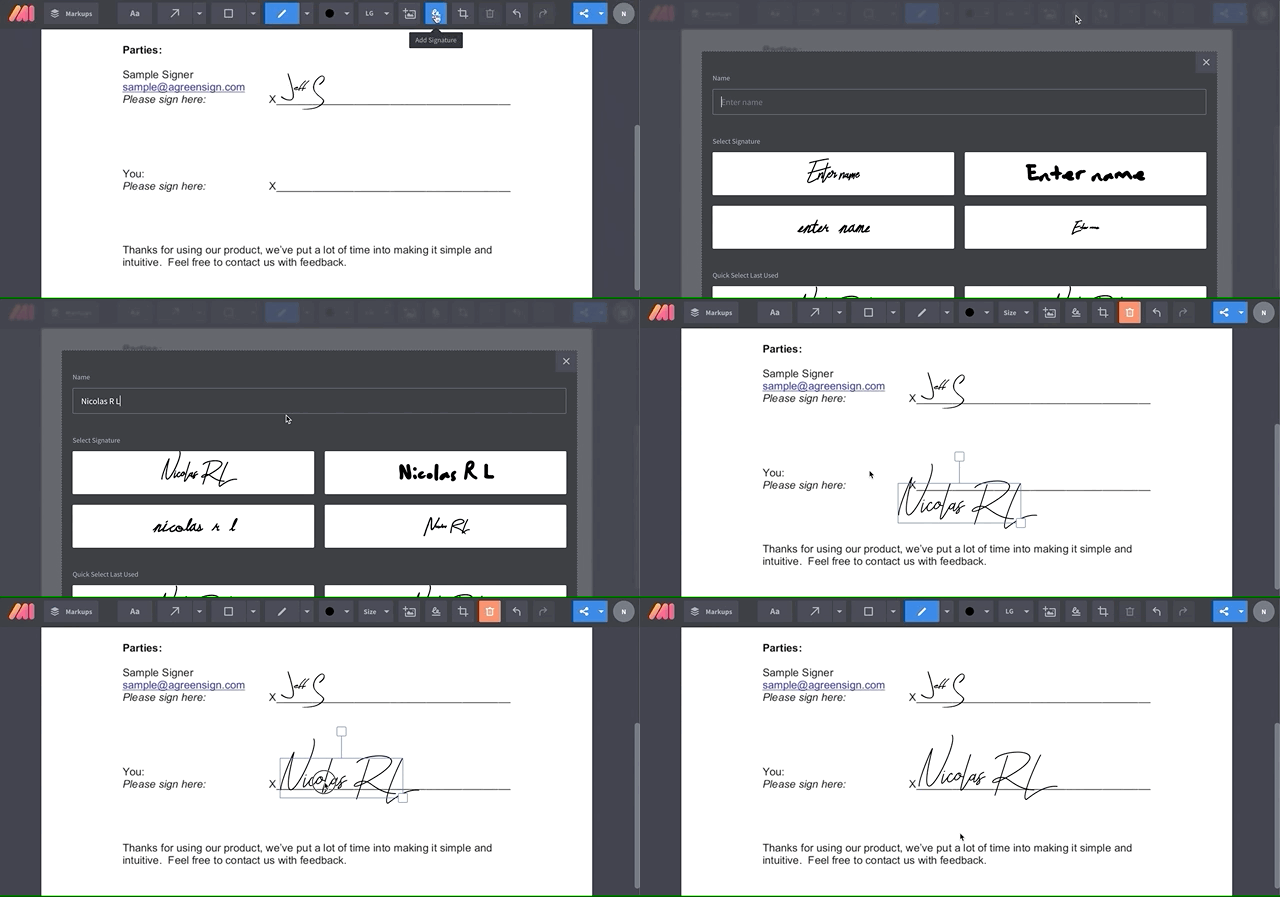
Add Signatures 🖊️ - Easily add signatures to your markups. Simple click our 'Add Signature' button, type your name and select your signature. Voila! You've just signed your first markup and it's ready to export. add-signature.gif1.42 MB
PDF Improvements 📄 - We've made real improvements to our PDF uploader — both to the processing speed and quality of renders. Try it out by uploading a PDF!
Object Order 🍰 - Change the layer order of any annotation object you add to a markup with our new context menu! Right click (touch devices: long press) on any annotation object and select Send to back or Send to front to change the layer order of that object. context-menu.gif3.41 MB
Object Nudge ↕️ - You can now nudge / move objects up, down, left and right by 1px when selected using your arrow keys to get them to just the right place and make your annotations look pro! Hold shift + up, down, left or right to move objects by 5px.
Insert SVGs 🖼️ , copy annotation text & cursor improvements
Happy Friday annotation heroes and superheroes! Today we released some new features and improvements to Markup Hero.
Insert SVGs 🖼️ - You can now insert SVG graphics along with PNGs and JPGs into your markups using the insert image feature!insert-image.gif3.25 MB
Copy annotation text ⌨️ - When selecting text annotations you've added to a markup you can now copy the text using CTRL C on Windows and CMD C on Mac.
Cursor improvements ↔️ - When editing a text annotation you can use your keyboard left, right, up, and down arrows to move within a text box without triggering a move to the next / previous page in a markup.
We have also updated the Chrome Extension shortcuts to improve conflicts with other tools and apps as well as added a quick `Screenshot Tab` feature with improved image quality. Get started by installing the extension today!
We've updated tags to now be collections. As a Superhero, you can now add and sort your markups into collections from your history. Begin by dragging the markup thumbnail image to start organizing!
In the future we plan on making shared collections as well.
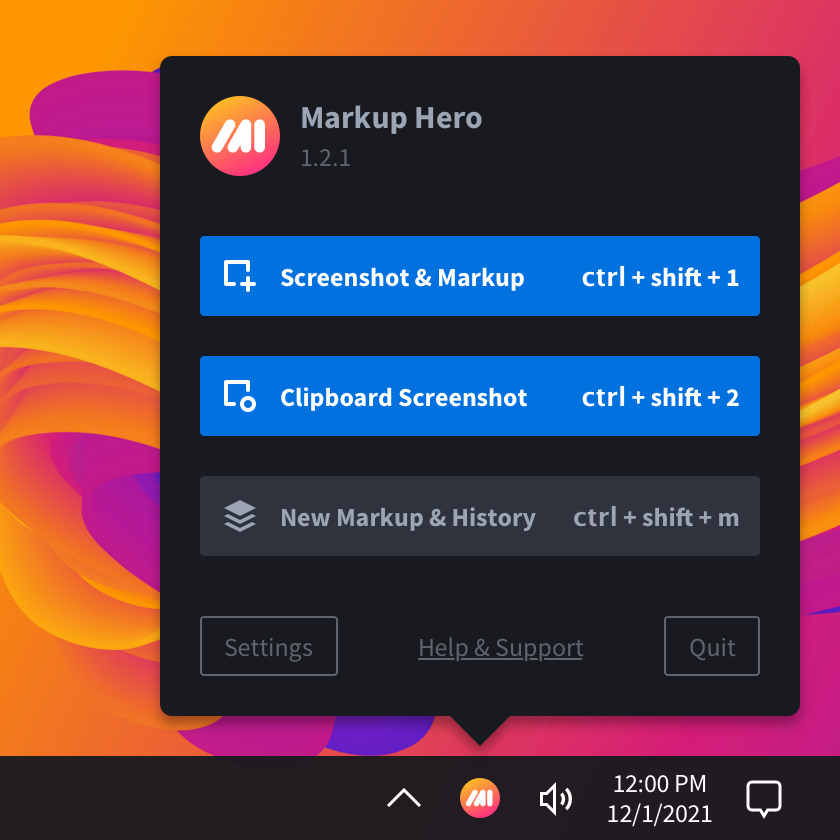
Our new improved desktop app 1.1.2 for Mac & Windows has customizable keyboard shortcuts to take screenshots and open your markups. Download the update here!



 Powered by FeedBear